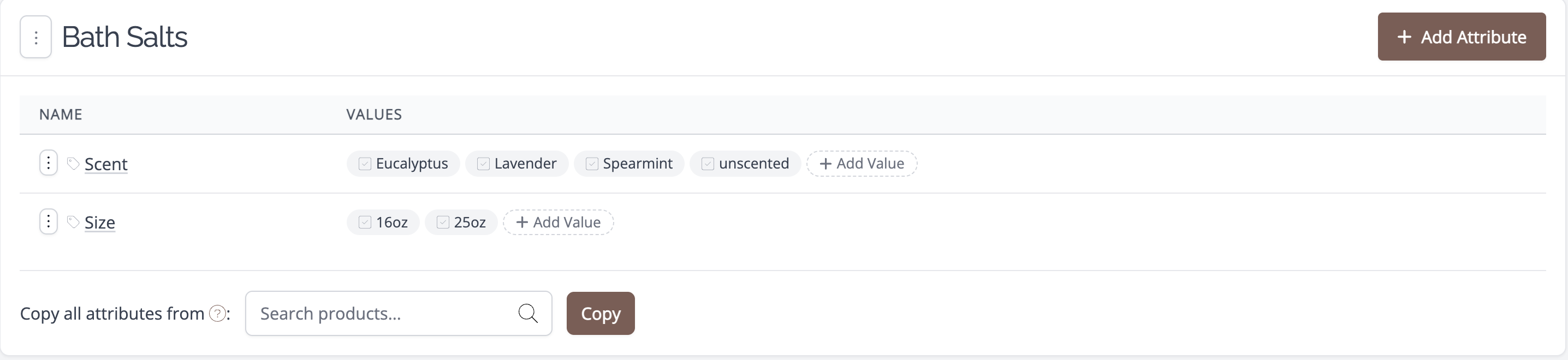
Copy variation attributes between products
Note: Available in the following plans:
✗ Pro✓ Studio✓ Indie✓ Business✓ Growth
To copy all variation attributes from one product to another:
- Navigate to the product you wish to copy the attributes to
- Click on the Variations tab
-
Click on the button called Manage Attributes

-
On the page that appears, select the product from which you wish to copy the attributes and click the Copy button.