
Create a copy of a product
Available in the following plans:
✗ Pro✓ Studio✓ Indie✓ Business✓ Growth
To create a copy of a product:
- Navigate to the product you wish to copy (How do I find my product details page?)
- Hover your mouse over the vertical ellipsis ⋮ to the left of the product name.
-
Select the Copy option that appears in the menu.
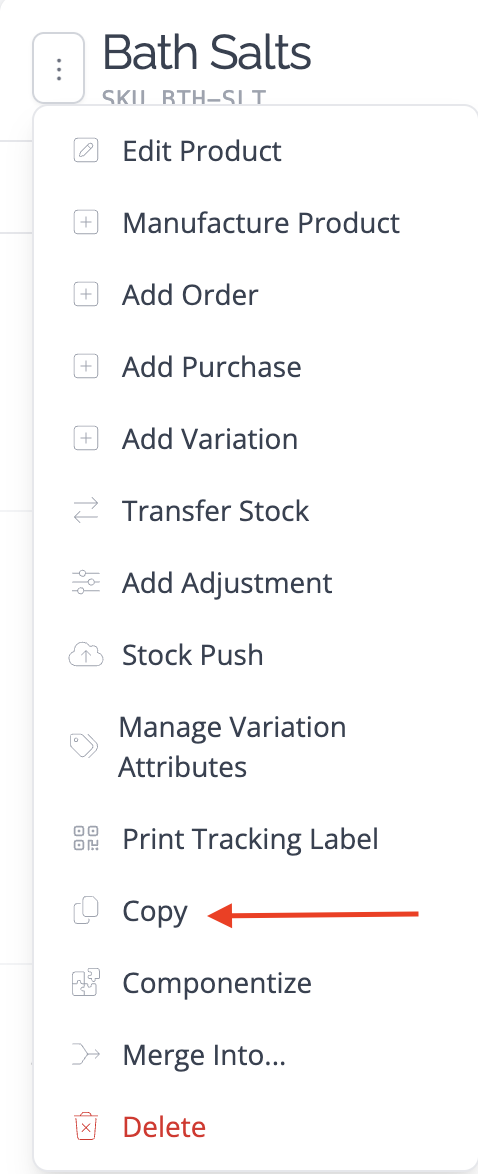
This will instantly create a copy of your product, including recipes and variation attributes.