
About product categories
Product categories can be modified via the edit product form.
Every product's category also shows as a colour-coded pill in its own column on the products list. Click a category's pill to filter the list down to just that category. Products without a category show a dash in this column instead.
To add a category for a product:
- Navigate to the edit form for the product (How do I edit a product?)
-
On the form that appears, scroll down and find the search box called Category.
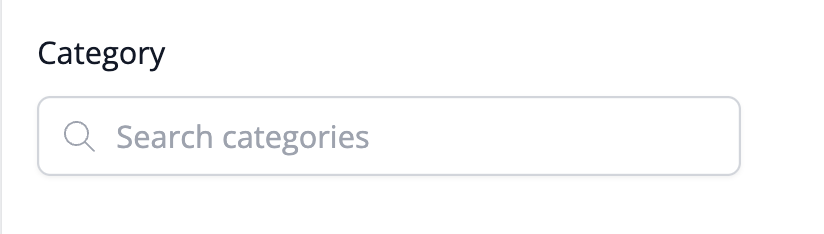
This box allows you to search for a category you already have in the system, or if you are creating a new category, you can enter its name here.
- Click the Save Product button to save the changes.
Need Help?
Still have questions about using Product Categories in your account? Please get in touch, and we'll be happy to help.